How Much iPhone Storage Do I Need?
Apple’s iPhones don’t have expandable storage, so you must be cautious when buying a new device. Apple currently offers storage options ranging from 64GB to a whopping 1TB of space.
Of course, the higher-end storage variants cost a lot more; therefore, you need to carefully consider how much you really need because you don’t want to waste money on storage space you’ll never use. So, read on and we’ll help you strike the perfect balance between cost and storage space when you’re in the market for a new iPhone.

How Much Storage Space Can You Afford?
Everyone has a different budget for their next iPhone, so it’s important to ask yourself this question: how much money am I willing to spend on my iPhone’s storage space?
If you have budget constraints, you should spend as little money on storage as possible, but at the same time, verify the space is adequate for your needs. However, if money is not an issue, buy as much storage as possible, but know when to draw the line.
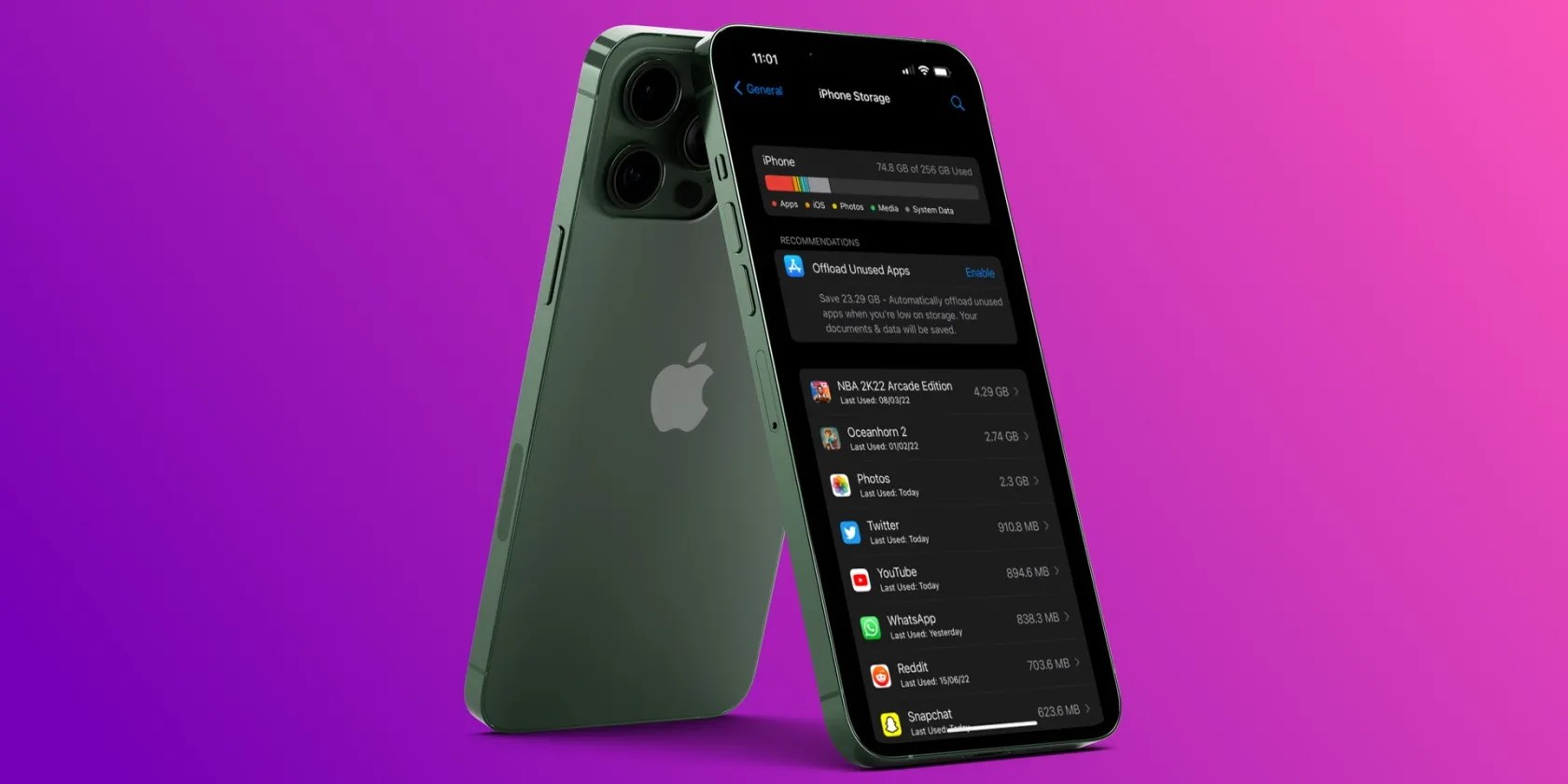
So, let’s start with the pricing for storage on iPhones. Apple charges $50 to step up from 64GB of storage space to 128GB across the iPhone 12, iPhone 11, and iPhone SE models. And to jump from 128GB to 256GB, you will need to shell out $100. This pricing applies to the current-gen iPhone 13 and iPhone 13 Pro models.
However, storage costs increase exponentially, as the 512GB models cost $200 more than the 256GB variants. And lastly, the highest-end 1TB storage variant, exclusive tothe iPhone 13 Pro modelsat the time of writing, costs another $200 over the 512GB variant.

Paying $50 extra for 128GB seems pretty reasonable for almost everyone. Furthermore, most people wouldn’t mind shelling out an extra $100 to get 256GB of storage space either. But anything beyond that point is storage space that would probably go to waste, so you need to ask yourself whether you’d use all of that space.
128GB of Storage Space Is the Bare Minimum
For today’s standards, 128GB of storage space should be the bare minimum for any iPhone you buy. Even Apple realizes this fact, which is why the company increased the base storage of the iPhone 13 models to 128GB in 2021. So, even if you’re getting an older iPhone 12 or iPhone SE model, go for 128GB of storage. After all, it only costs you an extra $50.
Let’s say you chose not to go this route for whatever reason and purchased the 64GB model instead. You will probably fill up that space pretty quickly and resort topaying for Apple’s iCloud+ service, which costs $0.99 or $2.99 per month for the 50GB or 200GB plans, respectively.

Remember that when you buy a 64GB iPhone, you only get around 57GB of usable space. Also, you need to leave some free space to ensure the smooth operation of iOS and avoid software slowdowns. You also need this space to download andinstall iOS software updates.
Even with 128GB of storage space, you may sometimes need to use iCloud, especially if you take a lot of photos on your iPhone. And don’t forget that the 4K videos you shoot on your iPhone can also eat up your storage space. Also, you may run out of room relatively quickly if you download movies and install a ton of apps.

However, this amount of space should be adequate if you’re someone who uses the iPhone to browse the web, stream movies, and play some casual games.
We Recommend Over 256GB for Content Creators and Power Users
If you’re a content creator who frequently records videos on your iPhone for short-form video platforms likeTikTok, YouTube Shorts, or Instagram Reels, you should invest in a 256GB iPhone. This would allow you to shoot as many videos as you need without worrying about storage constraints. We also recommend this variant for people who frequently play console-quality games, like Genshin Impact, Apex Legends Mobile, and so on.
Of course, the 512GB model would give you more room to play with, but only consider it if you think it’s worth spending an extra $200 for that amount of space. And lastly, we strictly don’t recommend wasting your money on that coveted 1TB variant unless you plan to exclusively shoot photos and videos inApple ProRAWand ProRes formats.
Don’t Cheap Out (or Waste Money) on Your iPhone’s Storage
The storage space is one key area where you could save money on a new iPhone, but if you cheap out, you’ll regret it when you run out of room for new apps and media. At the same time, you shouldn’t waste money on the high-tier storage variants unless you think you’d utilize all that space.
So, finding a good balance between the cost and adequate storage space is essential. Look at your current phone and see how much storage you’ve used up (on the device and on iCloud), and that will give you a better idea of how much storage space you’d need for your next iPhone.
The “iPhone Storage Full” message hits us when we least expect it. Here’s how to get rid of it.
Quality apps that don’t cost anything.
You don’t need to fork out for expensive hardware to run an AI on your PC.
I plugged random USB devices into my phone and was pleasantly surprised by how many actually worked.
Freeing up vital memory on Windows only takes a moment, and your computer will feel much faster once you’re done.
Anyone with more than a passing interest in motorsports must see these films.
