How to Install iPhone Apps That Are Unavailable in Your Region
The App Store offers a plethora of applications that cater to every need. However, there are times when certain apps you want to download are unavailable in your region, preventing you from accessing their features and benefits.
Thankfully, there are ways to bypass these restrictions and install iPhone apps that are unavailable in your region. Below, we’ll explore a couple of workarounds to access region-locked apps on your iPhone.

Why Are Certain Apps Not Available in Specific Regions?
There are several reasons why certain apps may not be available in specific regions. For starters, developers and app publishers may face licensing agreements or legal restrictions that prevent them from offering their apps in certain regions. These restrictions could be due to copyright laws, privacy and data protection laws, or other legal considerations.
Secondly, some countries have content restrictions and censorship laws in place. Apps containing sensitive content, such as gambling, violence, nudity, or political sensitivities, may face restrictions or bans in regions with specific content guidelines or political considerations. Therefore, developers may sometimes choose not to offer their apps in such regions to avoid potential conflicts or legal issues.
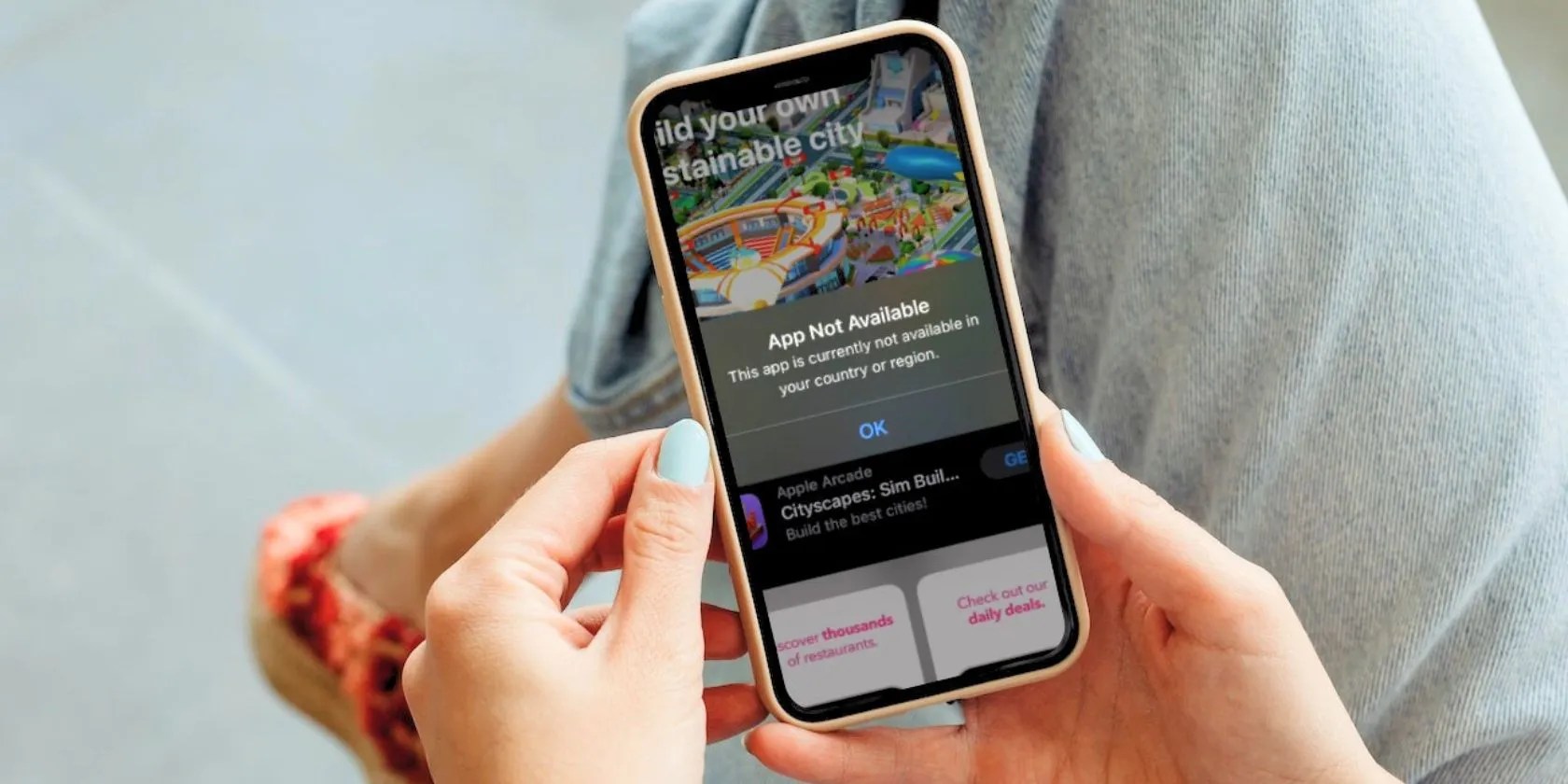
And lastly, app developers often adopt a market-specific strategy based on factors such as user demand, market potential, competition, and available resources. They may choose to focus their efforts on specific regions where they believe they can achieve the highest impact and return on investment. As a result, apps may be initially limited to those regions before expanding further.
How to Install Region-Locked iPhone Apps
App availability can change over time as developers negotiate new agreements, adapt their apps for different markets, or respond to evolving regulations. However, if you cannot wait for that to happen and need to download an app now, try one of the workarounds below:
Method 1. Create a New Apple ID
One way to get around a region-locked app is to create a new Apple ID with the US selected as your country/region. An app unavailable in your region will most likely be available in the US, so it’s always a safe option. However, if you think the app is limited to a different country, feel free to create a new Apple ID for that region.
Keep in mind that you’ll need a valid US phone number to verify your account. You can either ask a friend or relative residing in the US for permission to use their phone number or useapps that give you a temporary burner phone number.

Additionally, before creating a new Apple ID, you’ll need to sign out of iCloud by going toSettings>[Your Name]and tappingSign Out.You may lose important data in the process, somake sure your iPhone is backed upto iCloud.
Once you’ve logged out of iCloud, you can go toSettings > Sign in to your iPhoneto find the option to create an Apple ID on your iPhone. You can alsocreate a new Apple ID on any other deviceif you prefer.

Some things to keep in mind:
Now, open the App Store app,sign in with your new Apple ID, and search for the app. Then, tap theGetbutton to install it!

Method 2. Change Your Apple ID’s Country or Region
Another method of working around region-locked apps is to change the country for your current Apple account. This method is relatively easier than creating a new Apple ID and requires only a few simple steps, but there’s a catch, which we’ll discuss in a bit.
Follow the simple instructions below to change your Apple ID’s country or region. First, go toSettings>[Your Name]>Media & Purchases>View Account.
Next, tapCountry/Region. When you’re redirected to another page, tapChange Country or Regionagain.
ChooseUnited Statesfrom the list of countries and agree to the terms and conditions. Enter your payment method, billing name, and billing address on the next page. ChooseNoneunder Payment Method, enter a US phone number, and make up a fake US address with a valid ZIP code—which you can search on Google—to fill the fields under Billing Address. TapNext.
With this, you’ve successfully changed your current account’s country or region. Now, go to the App Store, search for the app, and download it.
While this method is simpler and less tedious, you’ll need to meet the requirements below before Apple allows you to change your account’s region:
If none of these conditions apply to you, changing the country or region of your Apple ID should be no problem.
Access iPhones Apps From Other Regions
Developers sometimes choose not to launch their apps in certain regions when they can’t meet certain licensing and legal requirements or believe there’s no market potential in that region. Fortunately, with these workarounds, you can still access those apps on your iPhone.
However, even if you’ve successfully downloaded an app that’s unavailable in your country, chances are it may still not work because it detects your phone’s location. In such cases, you can rely on a VPN to access the app.
Your location can be masked if you hide your IP address. VPNs are effective at doing this. But can you access restricted content without one?
Taming data is easier than it looks.
You don’t need to fork out for expensive hardware to run an AI on your PC.
Every squeak is your PC’s way of crying for help.
Unlock a world of entertainment possibilities with this clever TV hack.
Your iPhone forgets what you copy, but this shortcut makes it remember everything.
