How to Manually Add Workouts to Apple Fitness
Tracking your workouts alongside your progress is an excellent way to stay on top of your fitness goals. That’s what makes the activity and fitness features on the Apple Watch so convenient. With the tap of a few buttons, it logs your workouts for you. All you need to focus on is reaching your goals.
But if you miss logging a sweat sesh with your Apple Watch and don’t know where to look, it may be unclear what to do if. To learn how to log your workout data manually, keep reading.

Add Workouts Using Apple Health
If you didn’t have your watch or forgot to tap start at the beginning of your workout, no sweat! To add data manually:
Keep in mind, you don’t need to be super accurate with start and end times. Ideally, you’d be able to enter the length of your workout in minutes. But since the app asks that you log times, you could start on the hour for a speedier data entry experience. While it’s quick math, it can be a chore if you’re adding multiple sessions and being exact about it. Doing this could deter you from wanting to do it.
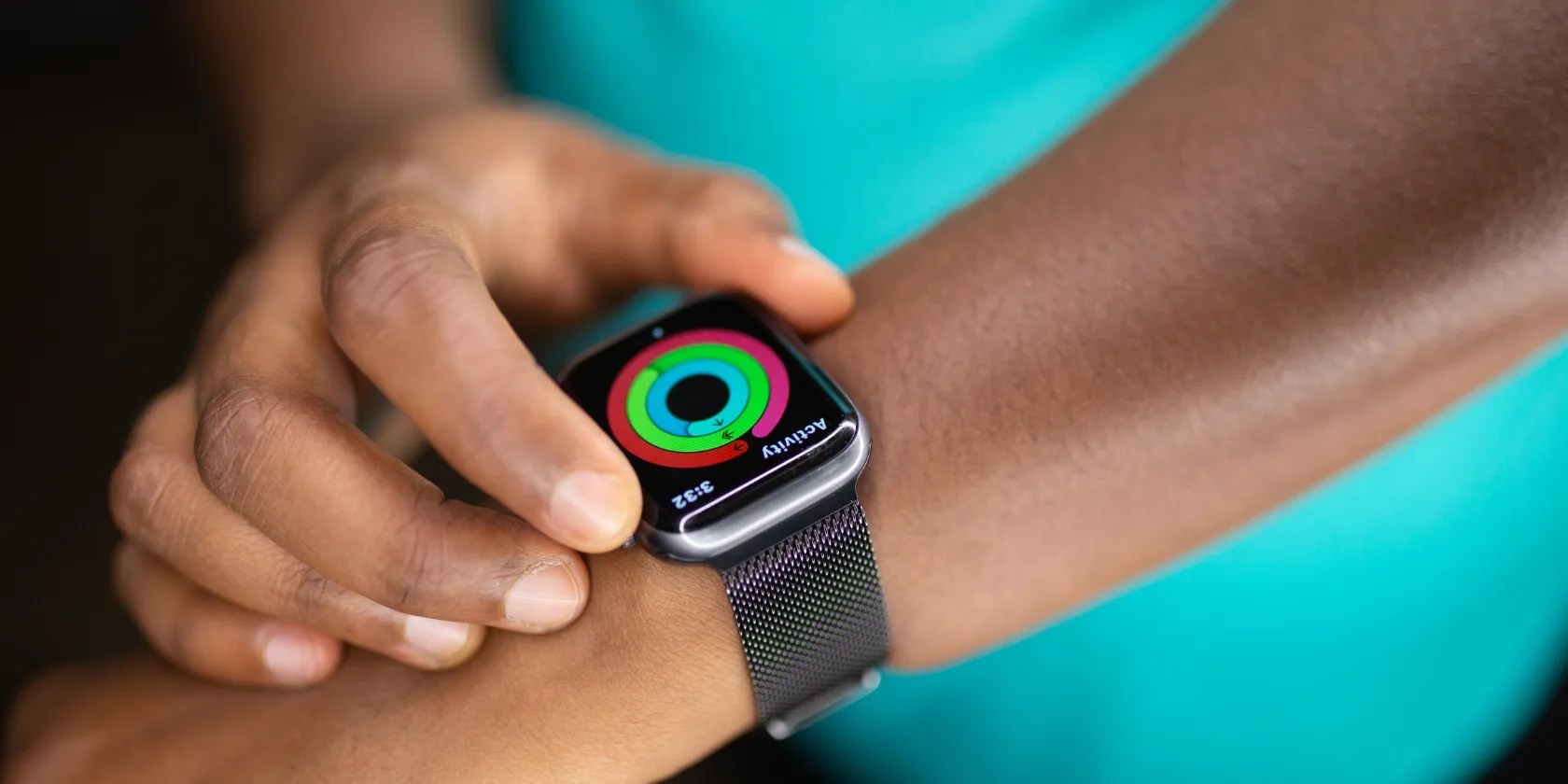
Your activity rings will only fill if you add workouts to the current date.
Finding Workout Data in Apple Fitness
Not sure how many calories you burned during your session? Take a look at your previous workout data to find your answer so that you have a better idea of what to log. To do so, follow these steps:
Since it’s your own workout history, it’s one of the best places to grab this information. However, if there are no matching workouts, you can Google it or use one of your favorite fitness apps like MyFitnessPal or Lose It! to get an estimate.

What to Do if You Break Your Activity Ring Streak
When you manually enter data using Apple Health, your red calorie ring and green exercise ring will adjust. However, your stand ring won’t unless you log exercise for at least one minute every hour of your goal. Worth it? Probably not. The process would be rather time-consuming, so it’s likely better to let it go and keep moving.
While these rings gamify your progress, they’re only motivators. Great visuals for tracking, yes, but breaking your streak doesn’t mean you lost anything, especially if you’re still active and forgot your watch or even needed a break.

If you’re wonderingwhat to do about your Apple Watch activity rings on vacationor when you need some less active days, you can also lower your goals to avoid breaking your streak by following these steps:
Other Ways to Track Your Fitness Goals
If you find the Apple Fitness and Health apps too overwhelming or lacking something you need, there are plenty of other ways to track your fitness goals.
There’s no wrong way to track your activity. Keeping notes on workout types, length, intensity, and other relevant metrics and comparing them to your results will help you learn what works and where to adjust. Things like activity rings and streaks are great motivators and add a bit of fun, but they’re not essential to meet your goals.

Stay on Top of Your Exercise Goals With Apple Fitness
Whether you forgot to charge your Apple Watch or didn’t tap the Go button, there’s no need to worry about missing your workout data. You can manually add data in a matter of steps using the Apple Health app. Once you know where to look, the process is a cinch. However, if you find you often forget to use your watch to track, you may want to explore other options, such as using another app or writing them on paper.
Calories are more complex than a lot of people make them out to be, and you’ll notice two separate kinds when using an Apple Watch.
Turn these settings on, and your iPhone will be so much better than before.
One casual AI chat exposed how vulnerable I was.
Free AI tools are legitimately powerful; you just need to know how to stack them.
The fix was buried in one tiny toggle.
You’ve been quoting these famous films wrong all along!
