What Is Back Button Focus, and Why Should You Use It?
If you’ve been photographing for a while, you know how important focus is. Your photos can be over-exposed, under-exposed, blurry, or have lots of noise. You can correct all these issues in your post-production software.
But sadly, you cannot say the same for the out-of-focus images. There is simply no fix for them.

You can, however, follow some tips and tricks to get tack-sharp pictures. We are going to show you one such trick today. It is called back button focus.
What Is Back Button Focus?
Your camera uses the shutter button to focus and open the shutter. When you half-press the shutter button, your camera focuses and locks the exposure, and when you fully press it, it takes the shot. It may work well for some kinds of photography, but not all.
No matter how new or expensive your camera is, there are always limitations when it comes to autofocus. Your camera doesn’t have the artistic eye you do, and often, it may focus on the unintended things in your frame. As a result, you may end up missing the shot. This can be frustrating, especially when trying to capture a fast-moving subject.

So, how can you ensure your camera focuses precisely on the spot you want? Enter back button focus—your knight in shining armor.
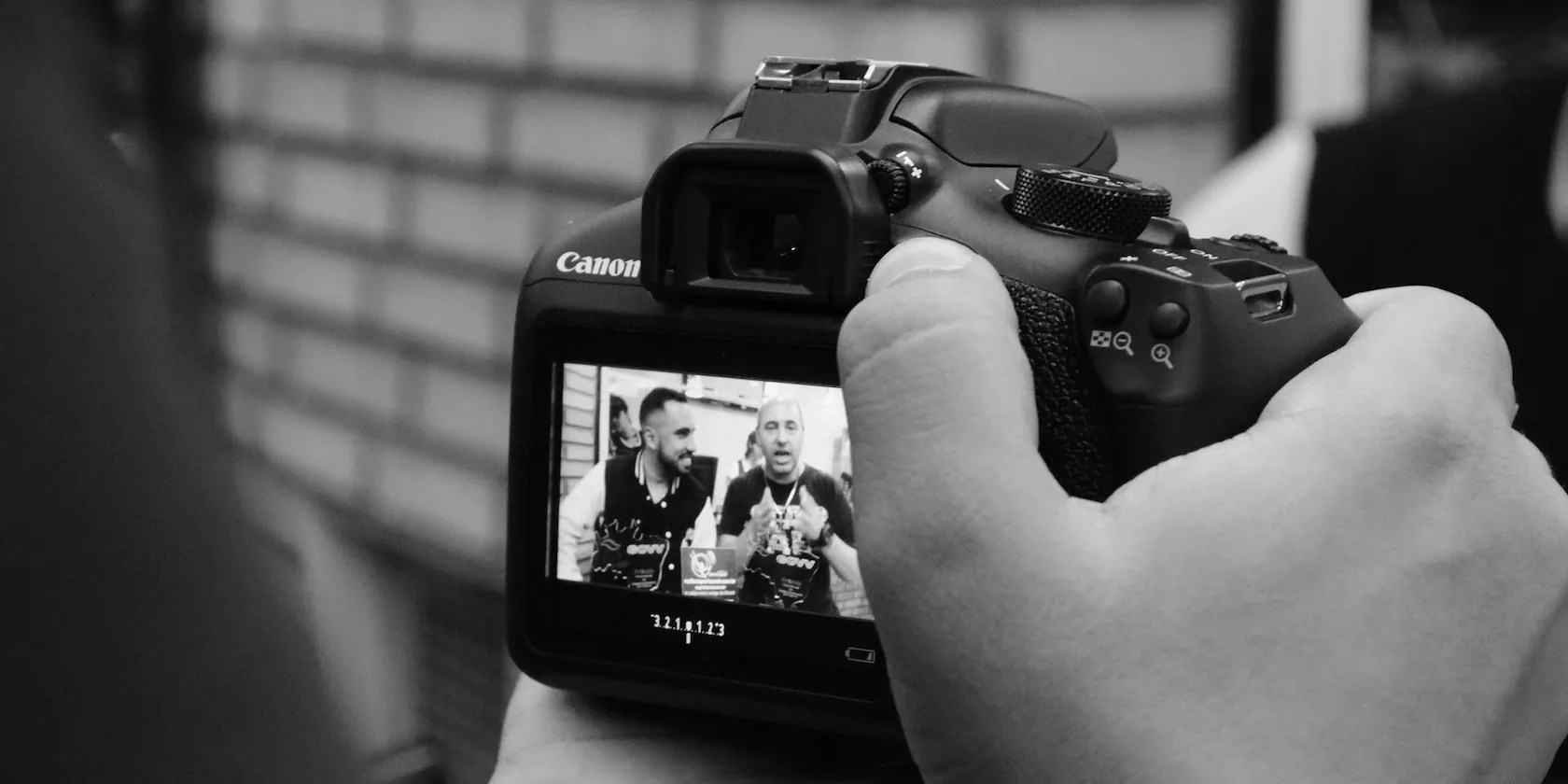
With back button focus, you assign the focus function to another button on the back of the camera (hence the name, back button focus). This way, you’re separating the focus function from the shutter button. You can point your camera at the subject, use the back button to focus, and press the shutter to take the photo.

Setting Up Back Button Focus
While the concept of assigning focus to a button at the back of your camera is the same across brands, it can be different for each camera model. The best place to check is your camera’s manual. Or, you may find it on photography forums. You may also find detailed instructions on YouTube if you have a popular model.
Advanced cameras may have a dedicated AF-ON button for assigning back button focus. Otherwise, you can use the AE/L AF/L button for the back button focusing.

Why Use Back Button Focus?
You may wonder if it is worth doing this because your camera is working fine, just as is. But, let us tell you: once you start using the back button focus, you will never want to go back. Why? Because you can nail the shot perfectly. Every. Single. Time.
Here are the advantages of using back button focus.
Keep Shutter Release and Focus Separate
This may not seem like a big deal at first thought. But when you lock the exposure and strive to reframe the scene, your camera will lose focus, and you have to start over again.
Also, most of the cameras' focus points are concentrated at the center of the frame. So if you rely on traditional autofocus, you will nothave freedom with your composition.
Don’t Miss Shots
If you’re a wildlife orwedding photographer, you know how vital those split seconds your camera takes to focus are. A slight delay in focusing can make or break your photo.
You know the familiar whirring sound from your camera when it tries to autofocus? You may not be bothered by it until you keep missing those perfect shots. Switch on the back button focus, and you will get thatsuper-sharp focus—no need to hear the whirring ever again.
Always Nail Focus in Continuous Focusing Mode
When working with fast subjects, you work with continuous focusing mode. You can see it as AI Servo AF on Canon and AF-C on Nikon. The continuous focusing mode will constantly focus and refocus the moving subjects. So, it can be very convenient for fast-moving subjects.
But, there is a small problem with it.
You have to keep half-pressing your shutter button. If you remove your finger by mistake, you will lose your focus and probably your shot too.
With back button focusing, you still have to continuously press the back button while focusing, but there is a lesser chance of accidentally removing your finger. Focusing with your thumb and pressing the shutter button may look complicated, but you can master it with practice.
No Hassle of Toggling Between AF and M Modes
You know how annoying it is when your autofocus cannot find focus, and you have to switch to manual focus right in the middle of all the action? It will take a few seconds for your hands to locate and change the switch. It is okay if your subject is stationary. But it can be a deal-breaker for subjects like wildlife and children.
When you use the back button to focus, you can just start turning the focus ring to go manual. You don’t have to fiddle to find the focus mode switch.
Save Battery Power
Using the shutter button to focus activates your camera’s stabilization mechanism like vibration reduction (Nikon) or image stabilization (Canon). Your camera’s shutter button has many jobs, and starting this mechanism is one. While it is great for your image quality, it can quickly drain your battery.
You will activate the vibration reduction every time you half-press the shutter button. When you use the back button to focus, you don’t have to touch the shutter button until you actually take the photo.
Less Fatigue
Do you often go on long shoots? You know how numb your index finger feels at the end of the day. Back button focusing can give your index finger a much-needed break. When you use your thumb to focus, you take away half of your index finger’s work.
Instead of fighting fatigue,you will be inspiredto take more pictures.
Reap the Benefits of Back Button Focus
Back button focusing has a host of benefits, from better ergonomics and saving battery power to getting perfect focus every time. If you’re still not sold on it, we insist you try it for at least a few days. Then, you can decide if it is worth it or not.
If you want your images to be sharper and have a greater depth of field, try focus stacking. We’ll show you how by using Lightroom and Photoshop.
These films will leave you questioning humanity, but also wanting more.
Make sure you don’t miss these movies and shows before Netflix removes them.
Tor spoiled me forever.
Turn these settings on, and your iPhone will be so much better than before.
It’s not super flashy, but it can help to keep your computer up and running.
